Official website: ChatGPT
Official website: Claude
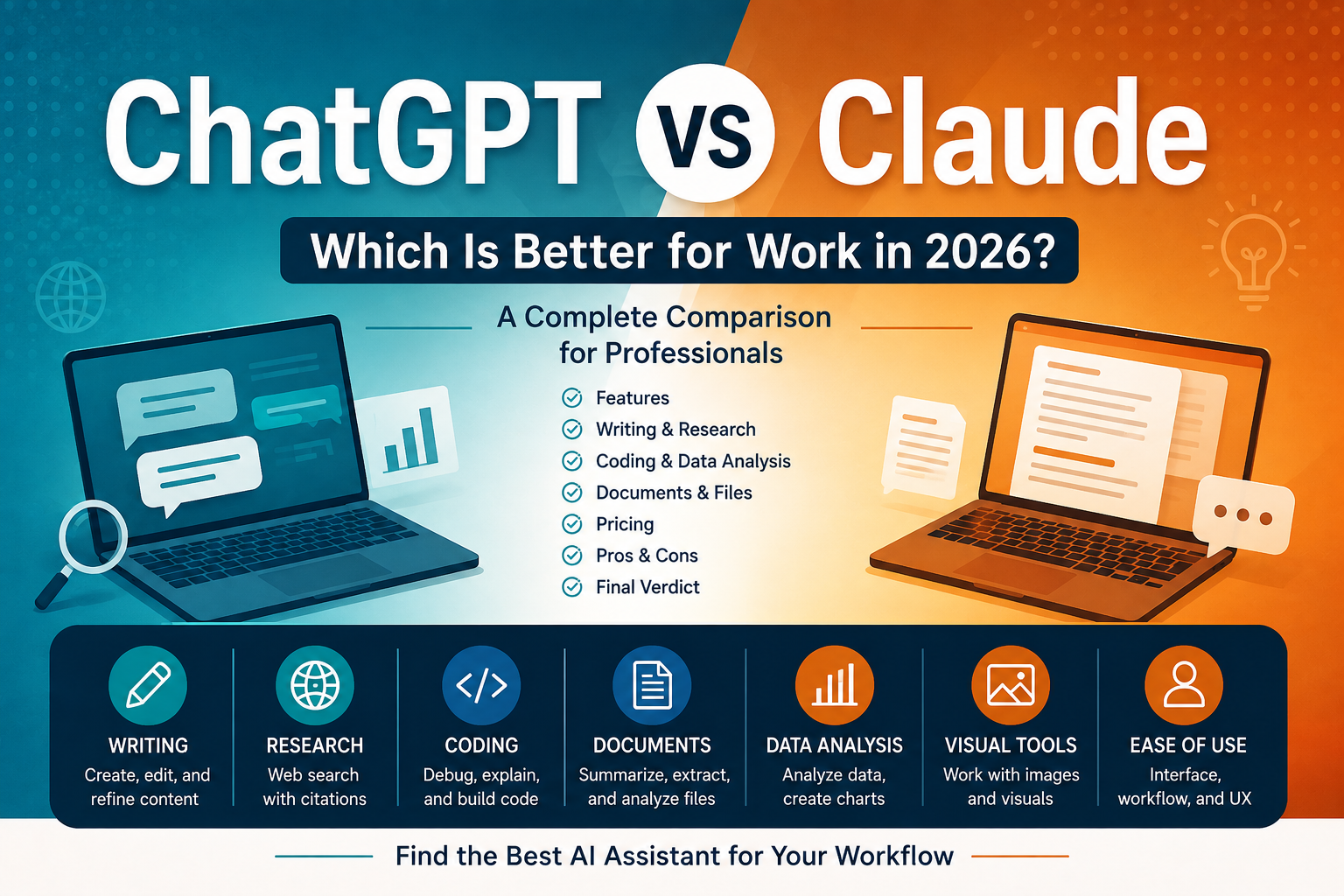
ChatGPT and Claude are two of the most capable general-purpose AI assistants available today. Both can help with writing, research, document analysis, brainstorming, coding, and everyday knowledge work — but they are not identical.
The better choice depends less on which AI is “best” overall and more on what you actually want to accomplish.
At Smart SaaS Lab, we explore global AI and SaaS tools from Japan with a focus on practical use at work. In this comparison, we’ll look at ChatGPT and Claude across writing, research, coding, documents, ease of use, and pricing to help you decide which one better fits your workflow.
Disclosure: This article currently links to official product websites. Smart SaaS Lab may use affiliate links in some content. If we earn a commission through an affiliate link, there is no additional cost to you.
- Quick Verdict
- ChatGPT vs Claude: Quick Comparison
- Writing: ChatGPT vs Claude
- Research: ChatGPT vs Claude
- Documents and Files: ChatGPT vs Claude
- Coding: ChatGPT vs Claude
- Data Analysis: ChatGPT vs Claude
- Visual Work: ChatGPT vs Claude
- Ease of Use and Workflow
- Pricing: ChatGPT vs Claude
- Which Should You Choose?
- Final Verdict
- The Bottom Line
Quick Verdict
Choose ChatGPT if: you want a highly versatile AI assistant with a broad set of tools for web research, files, data analysis, visual tasks, and general everyday work.
Choose Claude if: your work is heavily focused on writing, reading, analyzing information, coding, and working through complex ideas or documents.
For many professionals, either can be an excellent choice. The most important differences become clearer when we compare them by specific use case.
ChatGPT vs Claude: Quick Comparison
| Category | ChatGPT | Claude | Our Take |
| General work | Excellent | Excellent | Tie |
| Writing | Excellent | Excellent | Depends on style |
| Web research | Strong | Strong | Closes |
| Documents | Strong | Strong | Depends on workflow |
| Data analysis | Excellent | Capable | ChatGPT |
| Coding | Excellent | Excellent | Depends on task |
| Visual tools | Strong | More limited | ChatGPT |
| Best for | Broad versatility | Deep knowledge work | Depends on your needs |
Writing: ChatGPT vs Claude
Both ChatGPT and Claude are strong writing assistants. They can help draft emails, rewrite text, summarize information, brainstorm ideas, improve structure, and adapt content for different audiences.
ChatGPT is particularly useful when writing is only one part of a broader workflow. You can move from brainstorming to research, file analysis, data work, and content creation within the same general-purpose assistant.
Claude is also well suited to writing-heavy knowledge work, especially when you want to work through longer documents, develop ideas, revise drafts, or analyze existing material.
Our take: There is no universal winner for writing. The better choice often comes down to the type of content you create and which assistant’s workflow and output style you prefer.
If writing is important to your work, test the same real-world task in both tools before choosing a paid plan.
Research: ChatGPT vs Claude
Both platforms can access current information from the web, making them useful for research beyond their underlying model knowledge.
ChatGPT Search can search the web and provide answers with links to relevant web sources. This makes it useful for researching current topics without leaving the ChatGPT interface.
Claude also supports web search and can provide citations to the sources used in its responses. It can also retrieve and analyze content from webpages through supported web capabilities.
Our take: Both can be useful research assistants, but neither should replace checking important primary sources yourself.
For business decisions, statistics, pricing, legal information, or other accuracy-sensitive topics, open the cited sources and verify the information before relying on the AI-generated summary.
Documents and Files: ChatGPT vs Claude
Working with documents is another area where both tools can be valuable.
ChatGPT supports common document, presentation, spreadsheet, and text formats. Depending on the file and available features, you can use it to summarize documents, compare files, extract information, analyze spreadsheets, and transform existing material.
Claude also supports a range of document formats, including PDF, DOCX, CSV, TXT, HTML, JSON, and XLSX with supported analysis capabilities. It can analyze documents inside conversations and project knowledge bases.
One important difference is that file limits, visual PDF handling, and other capabilities can vary by product, model, plan, and file type.
Our take: If documents are central to your work, do not choose based on context-window numbers or marketing claims alone. Test both products using the types of documents you actually work with.
For example, try the same report, spreadsheet, or PDF in both and compare how well each tool extracts information, follows instructions, and produces a useful result.
Coding: ChatGPT vs Claude
Both ChatGPT and Claude can help with coding tasks such as explaining code, debugging, generating functions, reviewing implementations, and working through technical problems.
For everyday coding assistance, both are capable options. The better choice can depend on your programming language, project size, development workflow, and the type of problem you are solving.
Our take: This category is difficult to judge with a simple winner. Developers should test both tools with representative tasks from their own projects rather than relying only on benchmark scores.
Data Analysis: ChatGPT vs Claude
ChatGPT has particularly useful built-in capabilities for working with structured data. You can upload spreadsheets and other supported data files, ask questions in natural language, perform calculations, and generate tables and charts.
For some analysis tasks, ChatGPT can write and execute Python code in a secure analysis environment, allowing it to perform calculations, transformations, and statistical analysis.
Claude can also work with uploaded data and help analyze information, but the exact capabilities available can depend on the model, plan, file type, and tools being used.
Our take: If spreadsheet and data analysis are a major part of your workflow, ChatGPT is especially worth testing.
Visual Work: ChatGPT vs Claude
AI assistants are increasingly becoming multimodal, meaning work is no longer limited to text.
ChatGPT can work with images and can also generate visual content in supported experiences. This makes it useful when a workflow moves between text, analysis, images, and other content types.
Claude can also understand visual information in supported inputs, but the two products do not offer identical visual workflows.
Our take: If image-related work is important to you, compare the exact capabilities available on your plan rather than assuming both products work the same way.
Ease of Use and Workflow
Both ChatGPT and Claude are easy to start using: open a conversation, describe what you need, and continue refining the result through follow-up instructions.
The bigger difference appears after you move beyond basic prompting.
ChatGPT combines a broad collection of capabilities around general-purpose work, including web research, files, data analysis, and visual tasks.
Claude can be particularly attractive for workflows centered on reading, writing, reasoning, coding, and working through complex information.
Our take: Choose based on workflow rather than interface alone. If possible, spend several days doing the same real work in both products before paying for a long-term subscription.
Pricing: ChatGPT vs Claude
Pricing is an important part of the comparison because both ChatGPT and Claude offer free access as well as paid plans for heavier use.
As of August 2026, ChatGPT Plus costs $20 per month, while Claude Pro also costs $20 per month in the US.
This makes the decision between the two less about the basic subscription price and more about which product’s features and workflow are more valuable to you.
Individual Plans
| Plan | ChatGPT | Claude |
|---|---|---|
| Free | Available | Available |
| Standard paid plan | Plus — $20/month | Pro — $20/month |
| Higher-usage plans | Pro tiers available | Max 5x — $100/month; Max 20x — $200/month |
ChatGPT Plus provides higher limits and broader access to models and tools than the Free plan.
Claude Pro provides more usage than Claude Free, along with access to additional capabilities such as Claude Code, Research, and more Claude models.
For heavier individual use, both platforms also offer higher-priced options with substantially larger usage allowances.
Which Offers Better Value?
At the $20-per-month level, there is no obvious winner based on price alone.
ChatGPT Plus may offer better value if you regularly use a broad mix of capabilities such as data analysis, files, web research, coding, and visual work.
Claude Pro may offer better value if your workflow is centered on writing, research, coding, documents, and extended knowledge work.
The best approach is to try the free versions first and upgrade only when the additional usage or features solve a real limitation in your work.
Pricing note: Prices, plan names, features, taxes, and availability can change and may vary by country or platform. Check the official pricing pages before subscribing.
Which Should You Choose?
ChatGPT and Claude overlap in many areas, so the right choice depends on your workflow rather than the name of the product.
Choose ChatGPT if you:
- Want one general-purpose AI assistant for many different types of work
- Regularly analyze spreadsheets or structured data
- Want to combine text, files, web research, coding, and visual tasks
- Prefer a broad ecosystem of AI capabilities in one product
Choose Claude if you:
- Spend a large amount of time writing, reading, or analyzing information
- Regularly work through long or complex documents
- Want an AI assistant focused heavily on knowledge work and coding
- Prefer Claude’s writing style or workflow after testing both tools
Choose Both if you:
Some professionals may benefit from using both. For example, you might prefer one assistant for writing and another for data analysis or a particular research workflow.
However, paying for two AI subscriptions is not automatically better. Start with the free versions, identify where each tool genuinely saves you time, and upgrade only when there is a clear benefit.
Final Verdict
So, which is better for work in 2026: ChatGPT or Claude?
For broad versatility, our pick is ChatGPT.
Its combination of general AI assistance, web research, file handling, data analysis, coding, and visual capabilities makes it a strong option for professionals who want one AI tool to cover many different tasks.
For writing-heavy and deep knowledge work, Claude is a strong alternative.
It is particularly worth testing if your work revolves around documents, writing, research, coding, and working through complex information.
But there is no universal winner.
The best AI assistant is the one that performs well on the work you actually do. Before subscribing, give both tools the same real task — a report you need summarized, an email you need written, a research question, a spreadsheet, or a coding problem — and compare the results yourself.
The Bottom Line
ChatGPT: Our pick for broad, general-purpose AI work.
Claude: Our pick for writing-heavy and deep knowledge work.
Best approach: Try both before paying.
Smart SaaS Lab explores global AI and SaaS tools from Japan to help you find practical software for smarter work.
This comparison reflects product information available at the time of publication. AI products, features, limits, and pricing can change frequently, so always check the providers’ official websites for the latest information.
コメント